For Scout units
Your unit,
even offline.
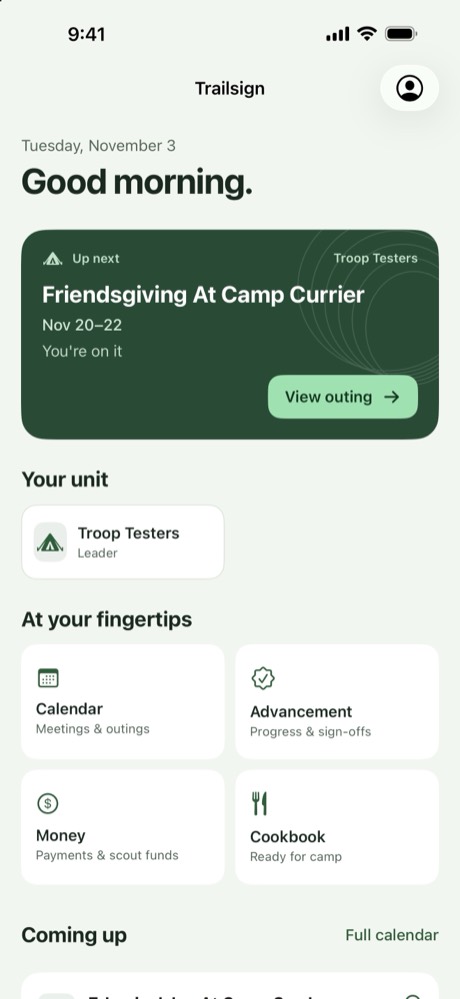
What2Pack is where your unit plans: trips, sign-ups, menus, duty rosters, tents, rides, gear and advancement. It opens on what’s coming up, who’s going and what’s due, and Trailsign, its app, keeps every trip on your phone after the signal is gone.
New unit? Bring What2Pack to your unit.
Youth led
Troops are led by youth.
So is trip planning.
Any Scout in a troop can add their patrol to a trip, plan its menu, deal the duty roster and make the grocery list, in the app or on the website. If the patrol leader can’t make it to the planning meeting, the plan still gets made. Packs stay with their adult leaders.
For Scouts
Everything you need, with no signal
Open the trip once while you have a connection and it stays on your phone for the whole weekend.
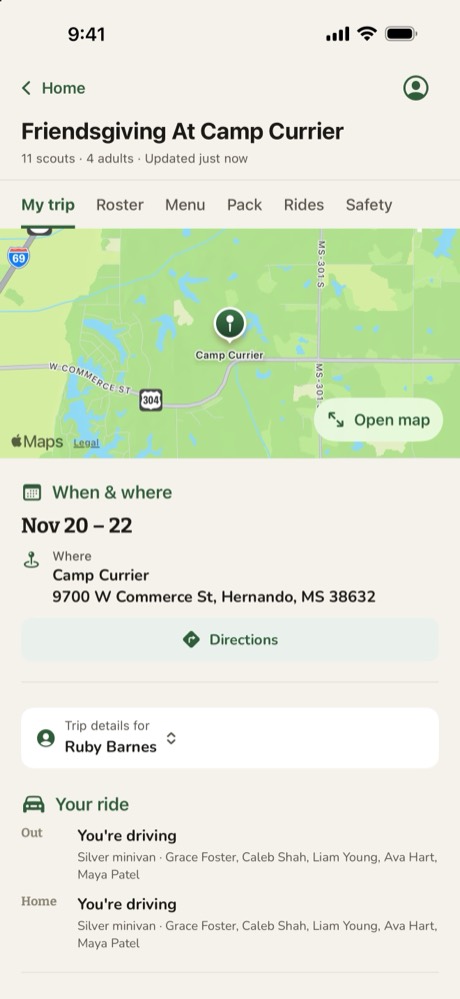
- Where to meet, when you’re home, and the nearest hospital
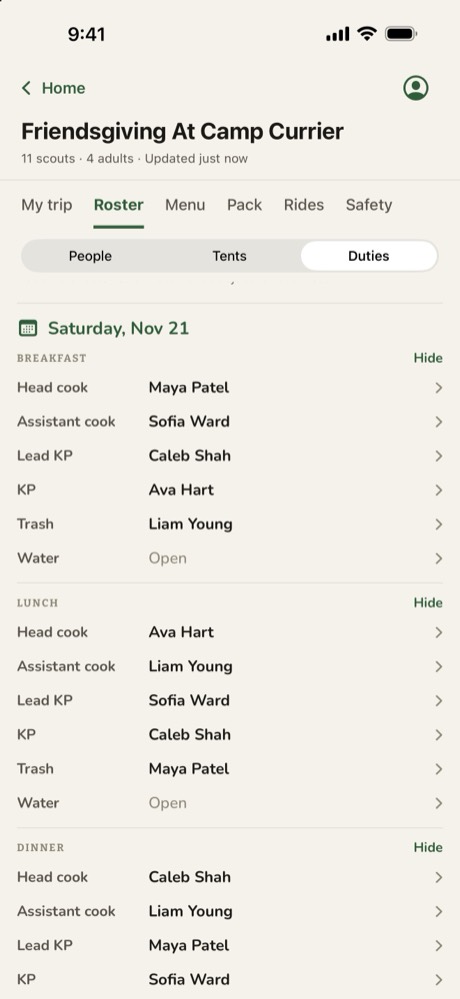
- Your tent, your ride and your jobs at every meal
- The menu, with full recipes scaled to your patrol
- The trip write-up and the files your leaders attached
- Your packing list, ticked off as things go in the bag
For the SPL and patrol leaders
Plan the trip at the PLC
The trip board puts every coming trip on one screen, with what’s done and what still needs doing, patrol by patrol.
- Add a patrol to a trip and plan its menu
- Deal the duty roster by the same rules as the website
- Make the grocery list straight from the menu
- See which patrols still need tents, rides or a plan
For grubmasters
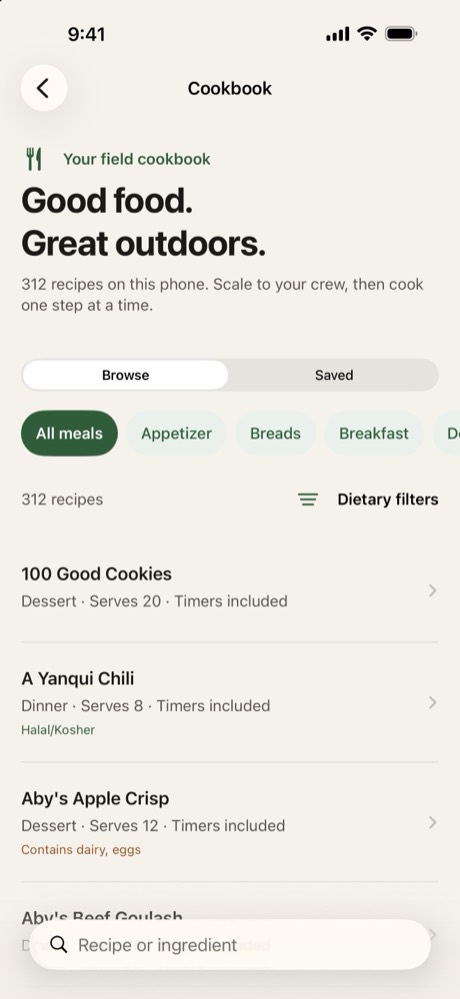
Menus from the camp cookbook
More than 300 recipes live on the phone, and every one scales to the size of your patrol.
- Put a recipe on your patrol’s menu from the cookbook
- Diet and allergy filters, and the allergens in every recipe
- Step timers that ring and show on the Lock Screen
- A grocery list by aisle, or sent to your Kroger cart
For leaders
Run the trip from your phone
The leader tools follow the same rules as the website, so the app and the site never disagree.
- Send an announcement to every family on the trip
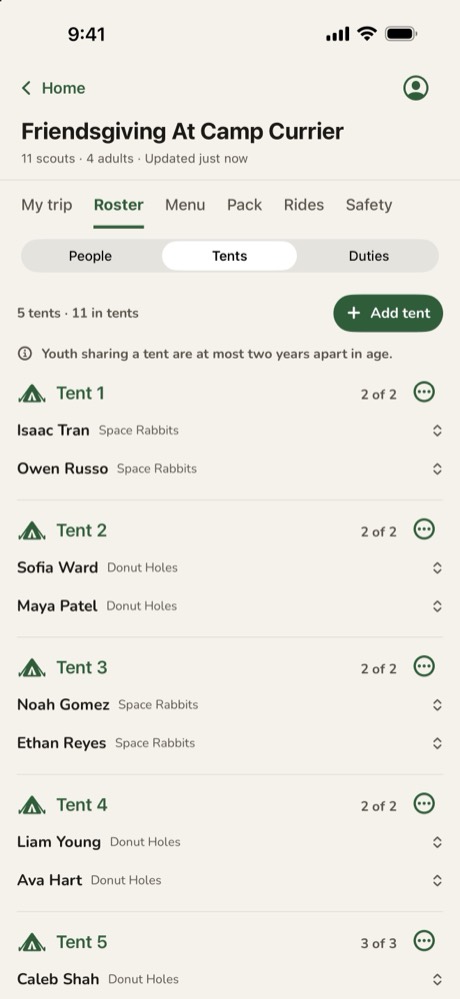
- Move Scouts between tents, paired by the two-year age rule
- Take a headcount that nearby phones share, no signal needed
- Take meeting attendance and sign off advancement
- Check unit gear in and out, or scan its QR label
For parents
Keep tabs from home
Sign in with the email on your Scout’s roster entry and every trip they’re on is there.
- What’s coming up, and who has signed up
- What your family owes, with a button to pay
- Each Scout’s packing list
- News from the leaders, also sent by email
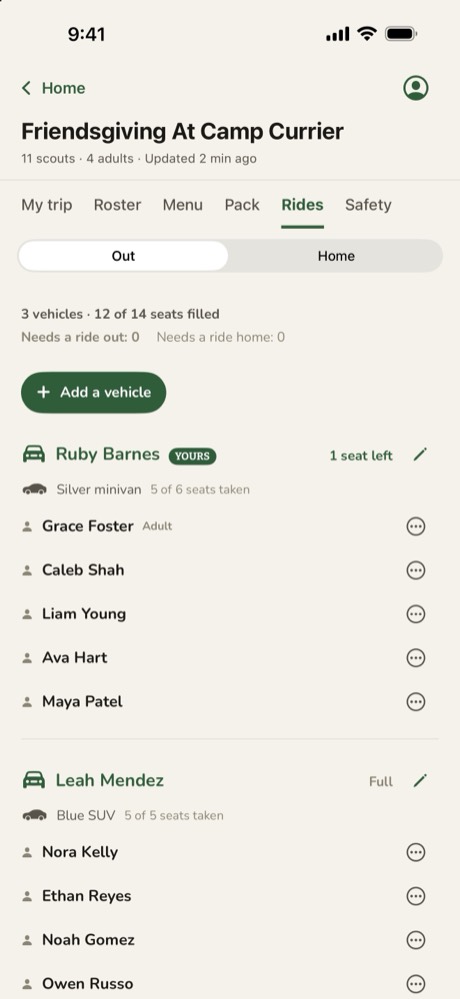
- Who’s driving, and the driver’s number for the ride home
Also in the Trailsign app
Calendar and reminders
Every event and meeting, with a reminder the evening before.
Advancement
What each Scout still needs for the next rank.
Meetings
The plan, links and files. Attendance by patrol.
Unit gear
Find it by location, category or tag.
Headcount
Count everyone at a checkpoint, phone to phone.
Safety and care
Rally points, emergency contacts and care flags.
Summer camp
Your class schedule, period by period.
Treks
Day by day, with offline maps and hike profiles.
Built for no signal
Kept on your phone
Trips you open, with their files and the map you download; the cookbook; your unit’s roster and gear; advancement; packing lists.
Sent when you’re back in range
Meeting attendance, advancement sign-offs, gear check-ins and grocery check-offs made with no signal wait on the phone.
Needs a connection
Sign-ups and payments, and planning changes such as menus, duties, tents, rides and announcements, so everyone works from the same plan.
The website, for everyone
The same unit, on any screen.
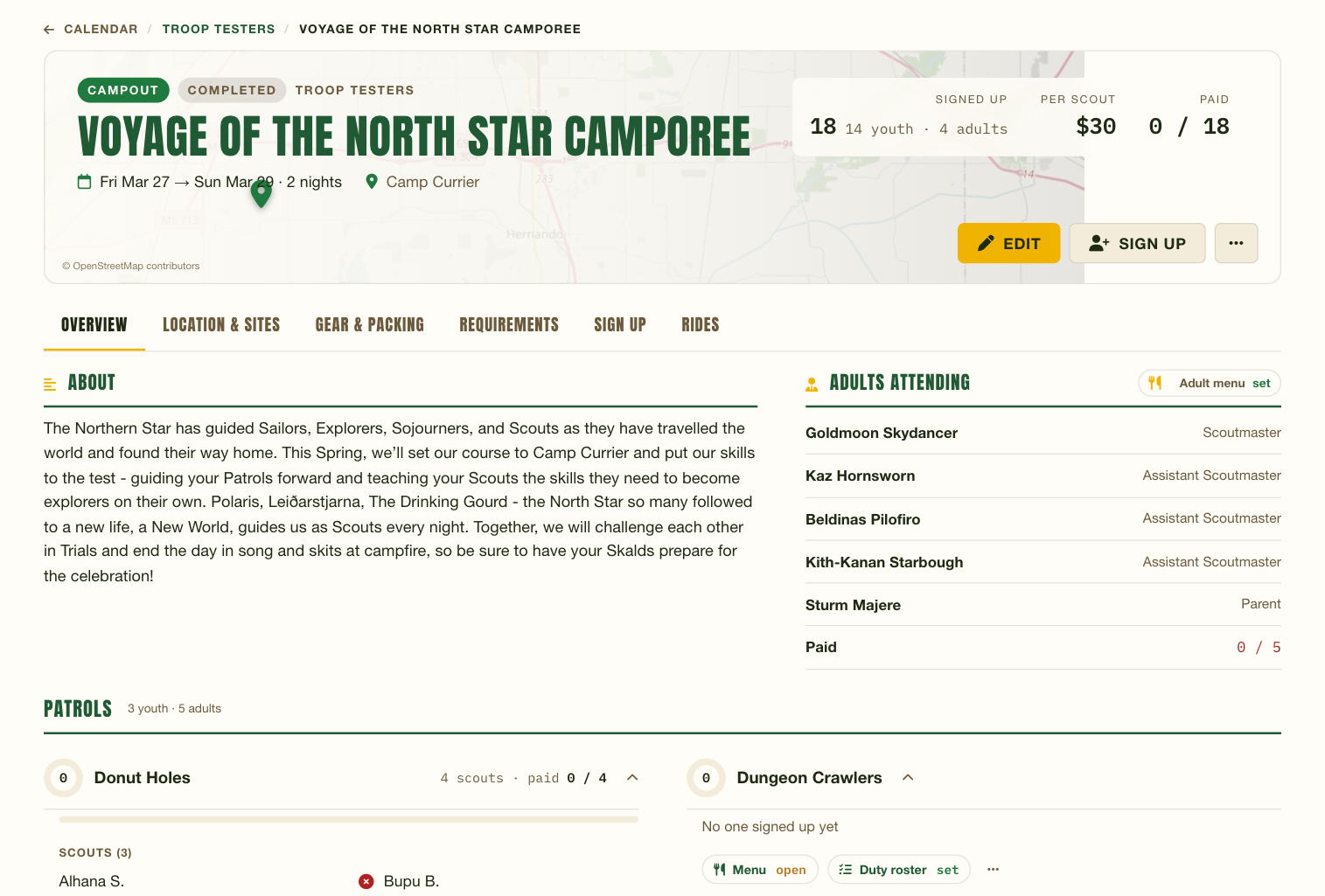
Everything in the app is on the website too, and the website goes further: Scouts and parents sign up and pay, see the calendar, menus, duty rosters, rides and packing lists, and families watch advancement. Patrol leaders plan trips from the PLC. Leaders add Scoutbook sync, the gear inventory with QR tags, finance with Zeffy, printed trip packets and a TV mode for meeting night. One set of records, whichever way you open it.
How it works
- 1
Install Trailsign
From the App Store on iPhone and iPad, or from this site on Android.
- 2
Sign in with your roster email
Yours or a parent’s, whichever your unit has on file, then tap the link we send. Leaders can use their website password instead.
- 3
Open a trip
Home lists your units and their trips. Tap one to put it on your phone, or scan the QR code on the trip page.
Trailsign needs a unit that plans on What2Pack. Built by an Eagle Scout and Scoutmaster for Troop 13; ask for an account to bring your unit along.