iPhone & iPad
Install Trailsign from the App Store.
Get it on the App Store What2Pack
The What2Pack companion app
Your unit plans on What2Pack. Trailsign keeps the trip on your phone when you head out of range.
Install Trailsign from the App Store.
Get it on the App StoreDownload and install it from this site.
Get Trailsign for AndroidTrailsign needs a unit that uses What2Pack. Bring your unit or use What2Pack on the web.
Use the email on your unit’s roster, yours or a parent’s. Tap the sign-in link we send. Leaders can use their website password instead.
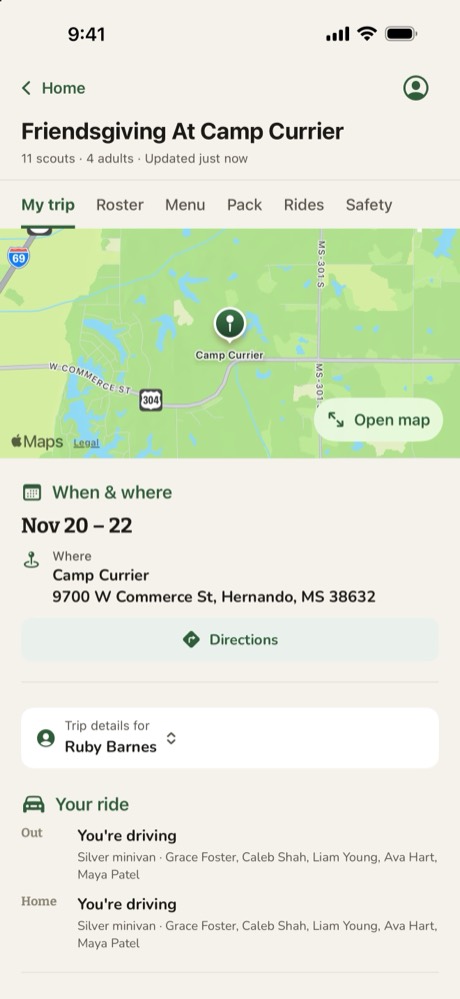
Choose a trip from Home, or scan its QR code on the website. Opening it keeps the details on your phone.
On Trip Readiness, download the offline map while you have a connection. Then check your packing list and head out.
Need a hand? Find help with sign-in, maps and offline trips.